

01
Text to Video
Describe the shot like a director - subject, action, camera movement, mood - and get a clip that follows your direction.
Describe a scene or upload a photo, and the Muse Video model turns it into a short clip with natural motion. Free credits to start, results in minutes.
Watch clips created with the Muse AI video generator and reuse any prompt in one click.
Describe the shot like a director - subject, action, camera movement, mood - and get a clip that follows your direction.
Animate any photo or AI-generated image. Product shots rotate, portraits come alive, and landscapes gain drifting clouds and light.
Clips render in minutes, and every generation shows its exact credit cost before you start. No queue anxiety, no surprise charges.

No preview program, no country restrictions. Sign in and generate your first video within a minute of landing here.
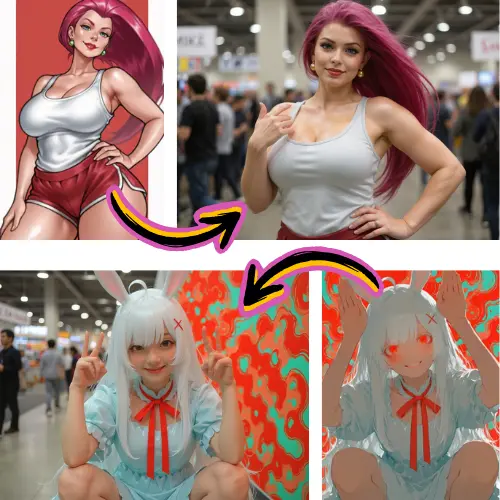
Generate a still with the Muse Image model, then animate it - one credit balance covers the whole pipeline.
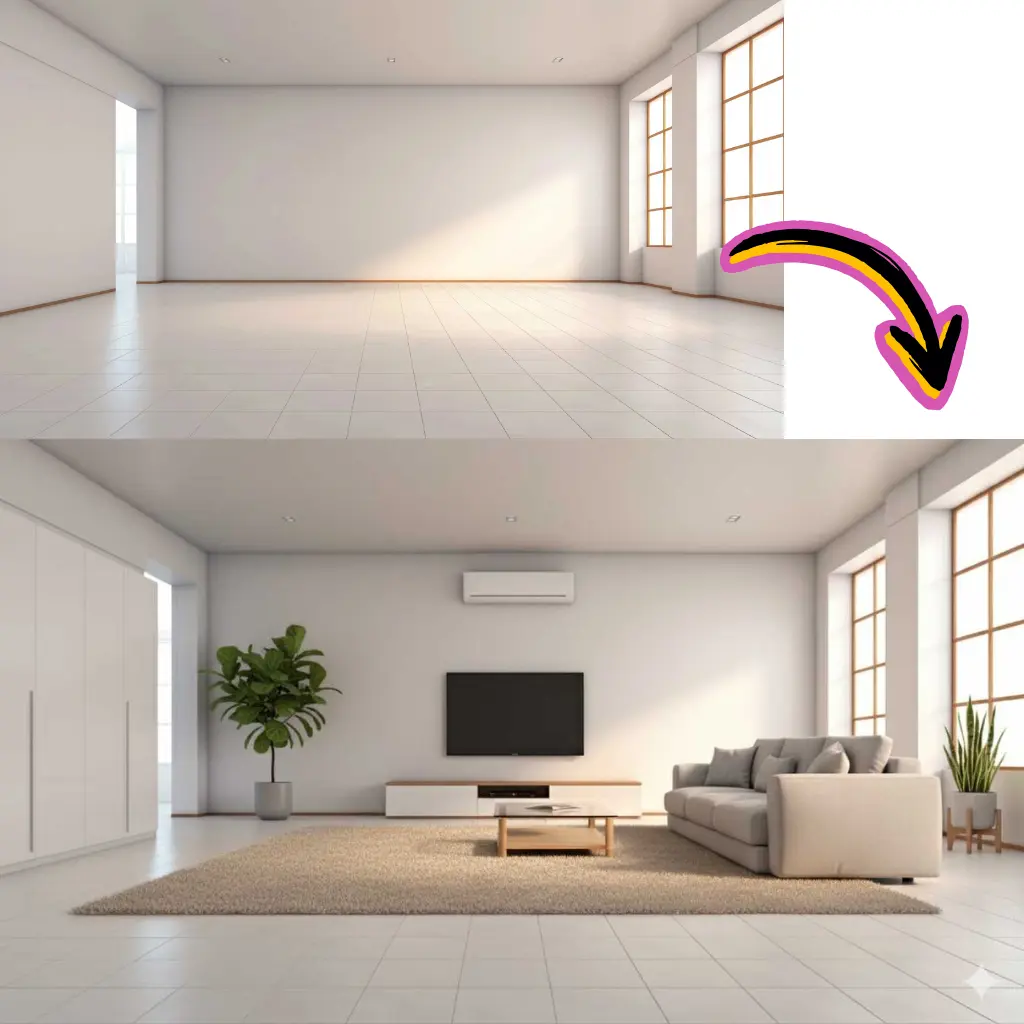
Vertical 9:16 for Reels and TikTok, 16:9 for YouTube, and watermark-free downloads on paid plans with commercial rights.
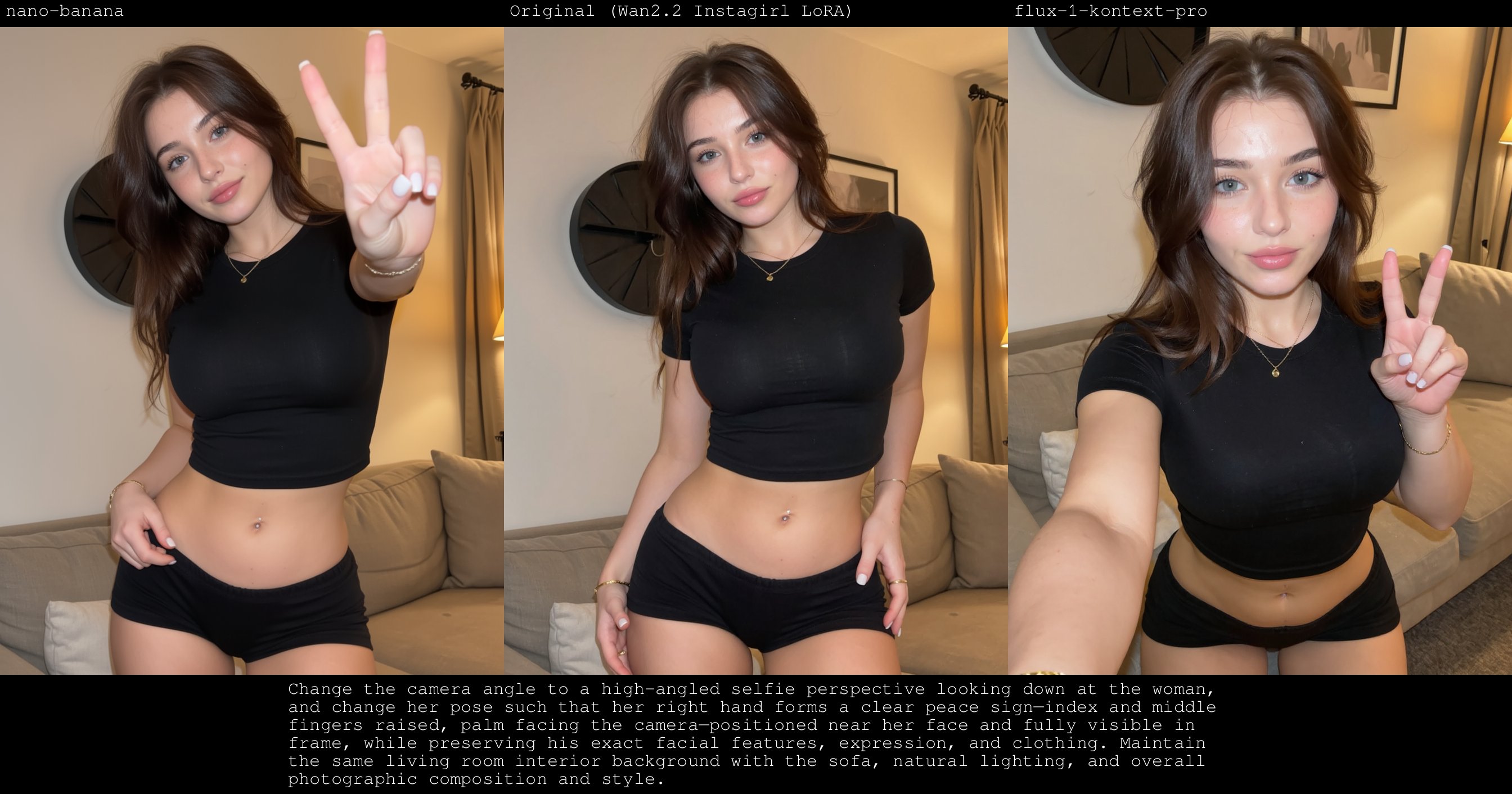
Write the scene you want, or switch to image-to-video and upload a photo as your starting frame.
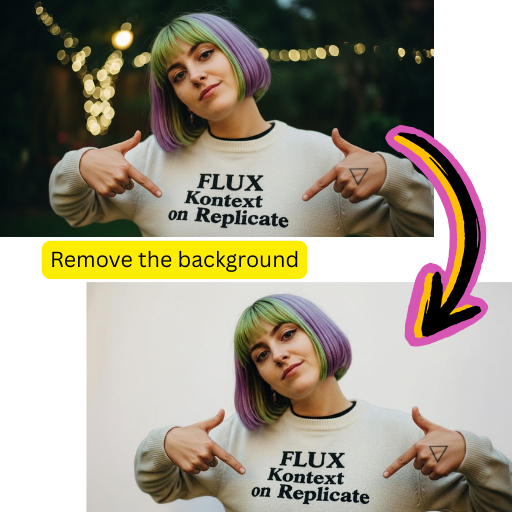
Pick 6 or 10 seconds, choose resolution and aspect ratio, and hit generate. The credit cost is shown before you start.
Your clip lands in the dashboard in minutes. Download it as MP4, or iterate with a new prompt to refine the motion.
Turn written scenes into moving shots with coherent motion and camera work.
Animate photos and generated stills while preserving their look and detail.
6-second and 10-second clips, at 480p or 720p, priced transparently in credits.
Vertical, square, and widescreen aspect ratios for every platform.
In image-to-video mode you can generate straight from the picture - no prompt required.
Switch to Kling, Veo, Seedance, and other video models without leaving the page.
Starting Cost
50
Credits per 6s video
Render Time
1-5 min
Typical for a short clip
Max Duration
10s
Per generation
Free Credits
55
For every new account
Yes. New accounts get 55 free credits, and a 6-second 480p video costs 50 credits - so you can render your first clip for free. Paid plans start at $9.98 per month, or grab a one-time credit pack from $4.98.
Muse Video is the video model on this platform, tuned for short clips with natural motion from text or image input. It pairs with the Muse Image model so you can design a frame first and then animate it.
Each generation produces a 6 or 10 second clip at 480p or 720p. Short lengths keep costs predictable and iteration fast - most creators generate several takes and keep the best.
No. In image-to-video mode the model can animate the photo on its own. Adding a short prompt gives you control over the motion, like slow zoom in or waves crashing.
Usually 1 to 5 minutes. You can leave the page - finished videos wait in your dashboard, and your credit balance is only charged for successful generations.
Yes. Paid plans include commercial usage rights and watermark-free MP4 downloads for ads, product listings, and client work.
No. Muse AI Image is an independent platform, not affiliated with, endorsed by, or sponsored by Meta Platforms, Inc. We provide our own browser-based way to create Muse-style videos, available to everyone today.
Yes. Use the Muse AI image generator to create the perfect frame, then click animate to send it straight into the video generator - one workflow, one credit balance.