

01
Built Around the Muse Image Model
Muse Image handles photoreal scenes, stylized art, and design mockups with the same prompt box. It follows layered instructions closely, so what you describe is what you get.
Turn any prompt into a polished visual with the Muse Image model. Photoreal detail, clean in-image text, and multi-photo editing - right in your browser.
See what creators are generating with the Muse AI image generator, and reuse any prompt in one click.


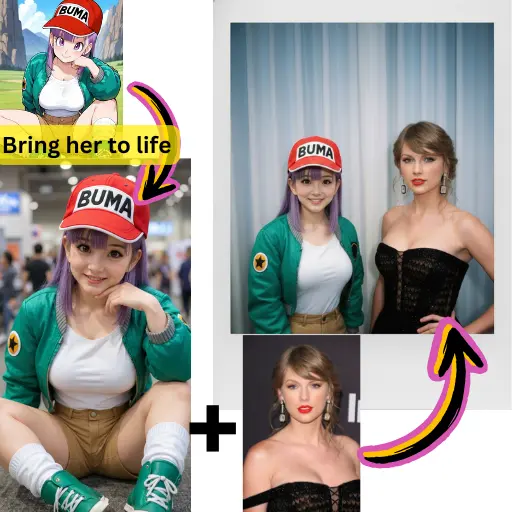
Muse Image handles photoreal scenes, stylized art, and design mockups with the same prompt box. It follows layered instructions closely, so what you describe is what you get.
Posters, signs, packaging, and logos come out with clean, readable lettering - one of the hardest things for older image models to get right.
Upload up to 10 reference photos and restyle, merge, or edit them with a single instruction. Character and product consistency carries across a whole series.
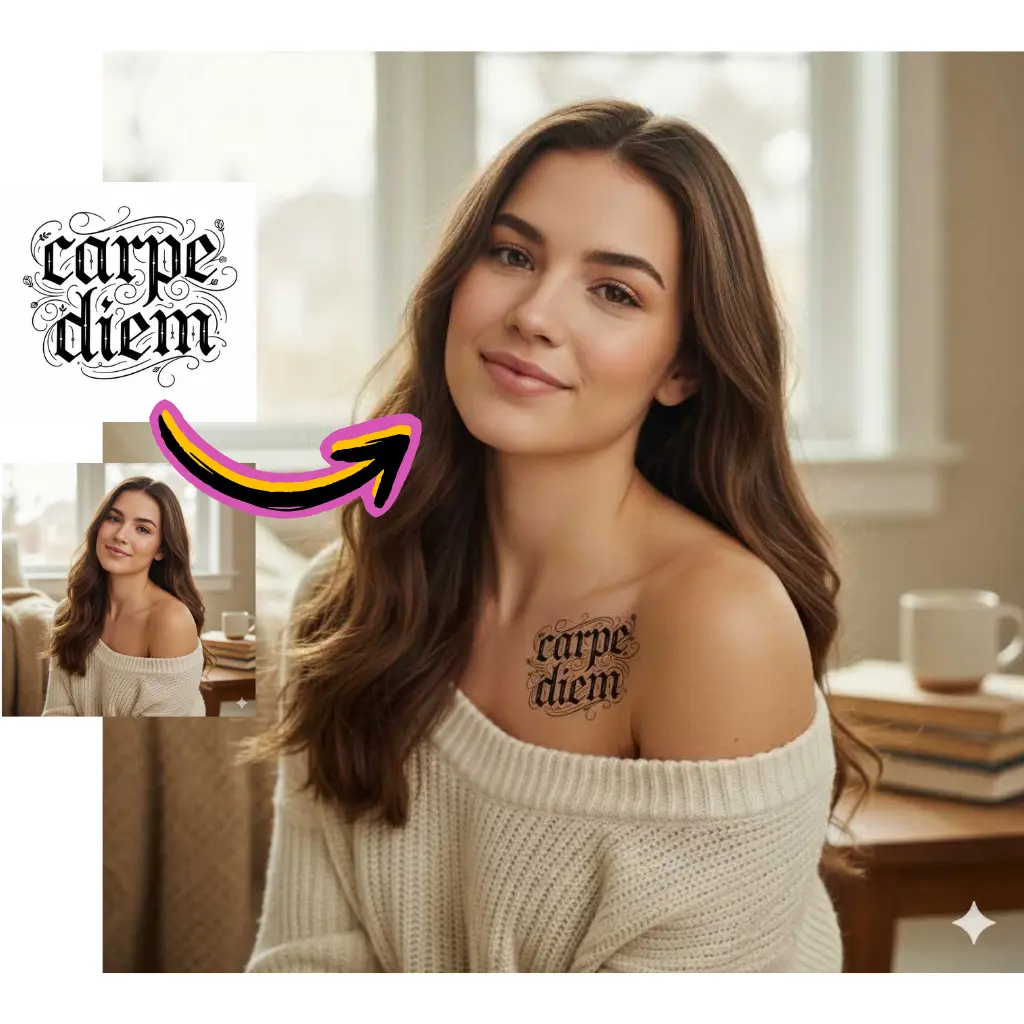
No waitlist and no country restrictions. If you have a browser, you can generate - on desktop or mobile.
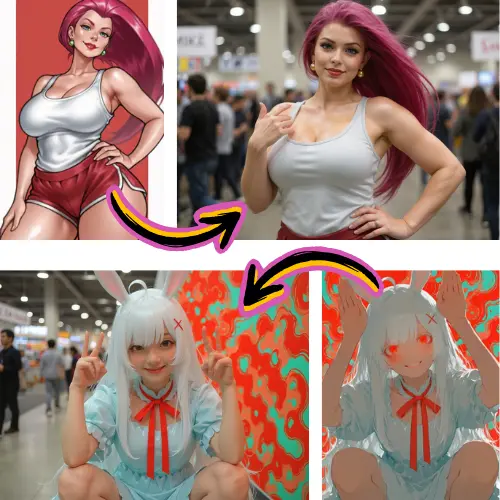
The same credits power image generation, photo editing, and video creation, so you never juggle separate subscriptions.
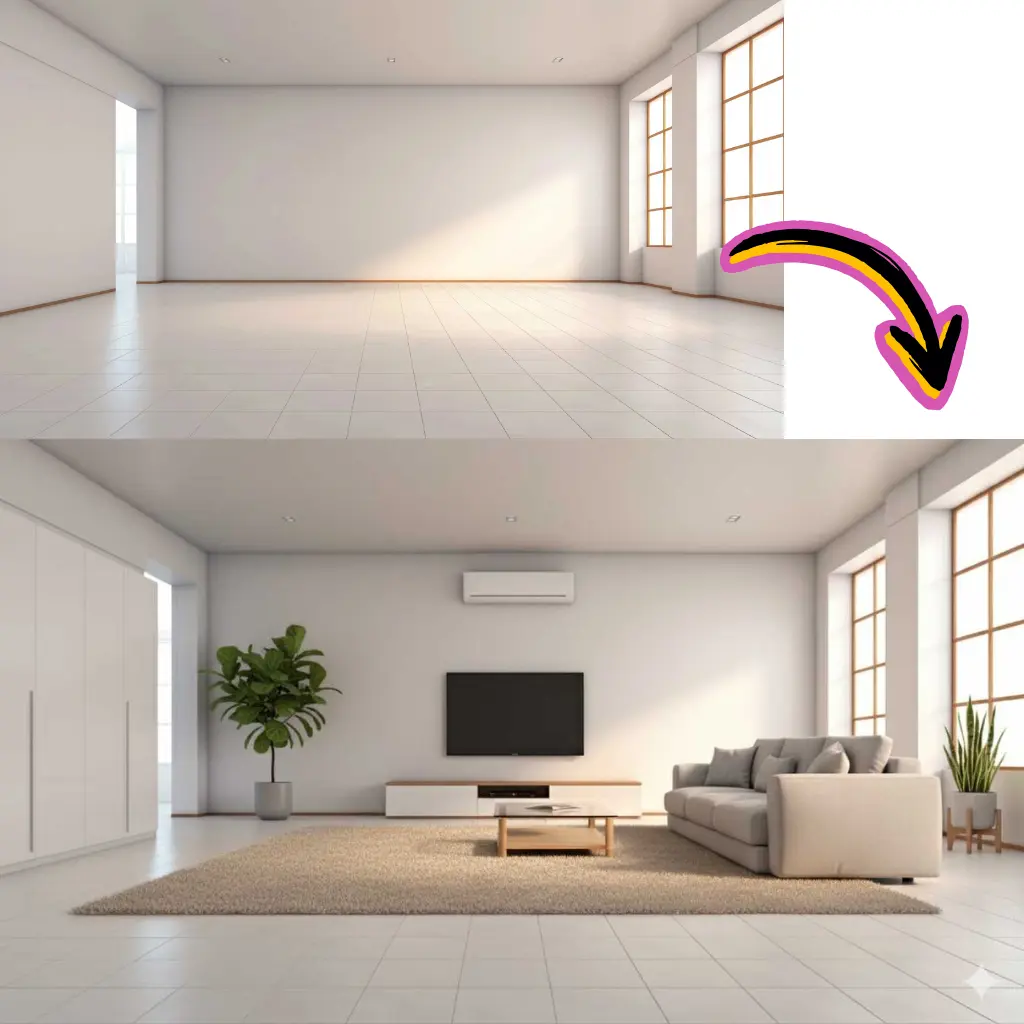
Watermark-free downloads with commercial usage rights, ready for client work, listings, and campaigns.
Describe the subject, style, lighting, and mood. Add any exact wording you want rendered inside the image, like a sign or a label.
The Muse Image model is selected by default. Pick an aspect ratio, or switch models if you want a different look.
Like the result? Download it in high resolution. Want changes? Edit it with a follow-up instruction or animate it into a video.
Turn plain-language prompts into photoreal or stylized images at up to high resolution.
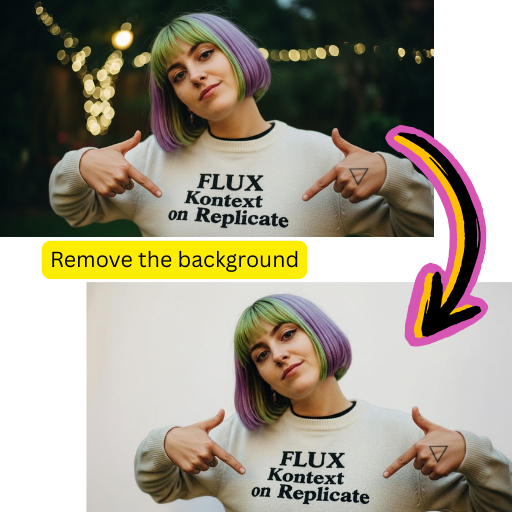
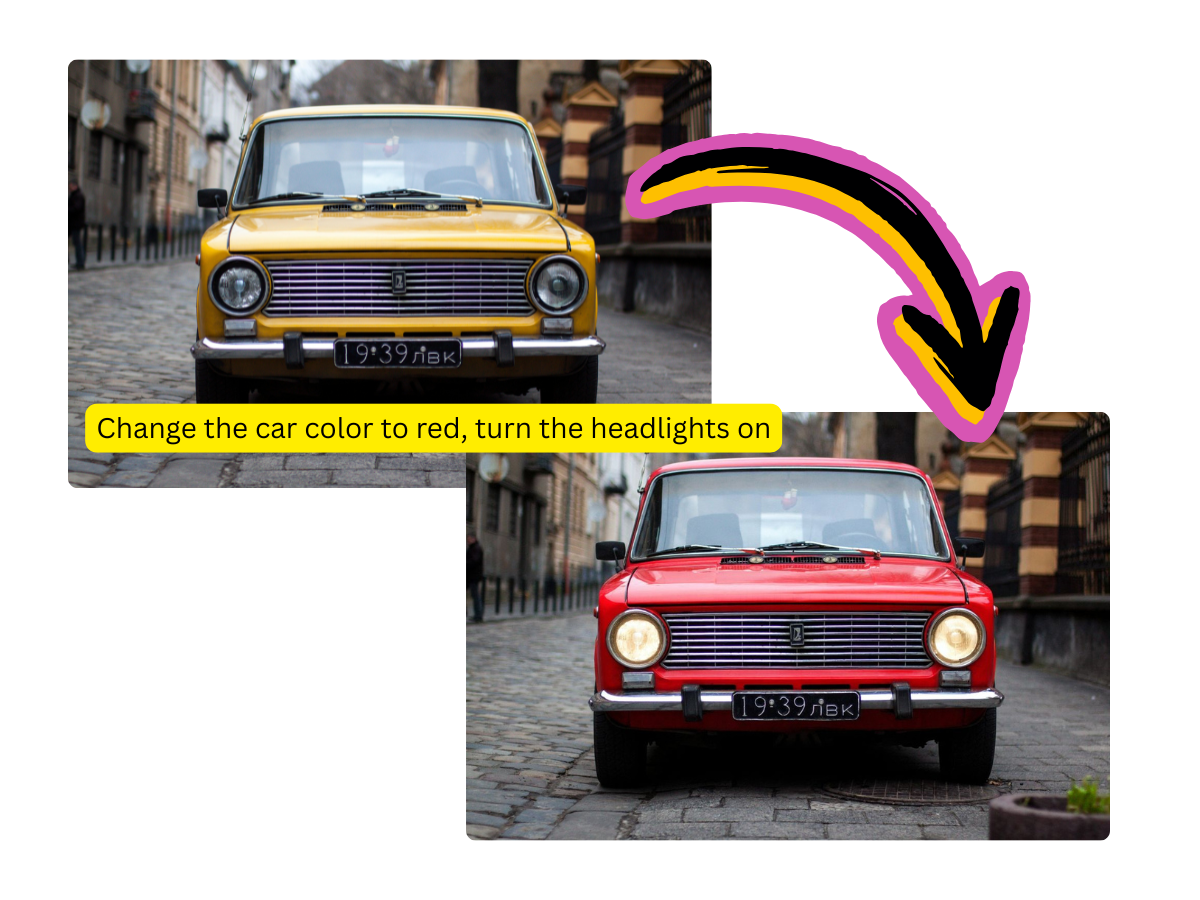
Upload a photo and change the style, background, outfit, or lighting with one instruction.
Combine up to 10 reference photos into one consistent scene or character.
Generate posters, menus, and packaging with clean typography instead of AI gibberish.
From 1:1 posts to 21:9 banners, pick the exact frame your platform needs.
Send any generated image straight to the Muse AI video generator and bring it to life.
Images Created
500K+
Generated on Muse AI Image
Average Speed
~15s
From prompt to image
Aspect Ratios
11
Including auto framing
Free Credits
55
For every new account
Yes, you can start free. Every new account gets 55 credits, enough to try image generation and editing. Paid plans start at $9.98 per month, and one-time credit packs are available from $4.98 if you prefer not to subscribe.
Muse Image stands out in three areas: photoreal detail, faithful prompt following, and clean text rendering inside images. It also supports multi-image editing, so you can keep a character or product consistent across many generations.
No. The generator runs entirely in your browser and works worldwide. Sign in with Google and you can generate immediately - there is no waitlist and no app requirement.
Yes. Switch to image-to-image mode, upload one or more photos, and describe the change - swap the background, restyle the outfit, merge several references into one scene, or clean up details.
A standard Muse Image generation costs 25 credits. The exact cost is always displayed next to the generate button before you commit.
Yes. All paid plans include commercial usage rights and watermark-free downloads, so you can use your images in ads, products, listings, and client projects.
No. Muse AI Image is an independent creative platform and is not affiliated with, endorsed by, or sponsored by Meta Platforms, Inc.
Yes. Every generated image has a one-click animate action that sends it to the Muse AI video generator, where the Muse Video model turns it into a short clip.